Best AI Tools for Faceless Reels in 2026 (Tested, With Real Cost Per Video)
7 AI tools for faceless Instagram Reels tested on automation, voice quality and real cost per video, including how to compare pricing and cheaper picks.
On this page

Updated September 2026: re-tested pricing per video, added a section on comparing plans, and linked each tool's listing.
Faceless content is the rare thing in social media that genuinely works better with AI than without it. A well-chosen niche, a good voice, and a consistent posting rhythm can build a real audience while you sleep, and in 2026 the tools to do it are finally good enough that the bottleneck is your idea, not your editing skill.
The catch is that "AI faceless video tool" now describes three very different kinds of software. Some are editors that make your manual work faster. Some are generators that turn a prompt into a finished file. And a few are publishers that take a channel from idea to posted video without you touching it. All three are good products. They just solve different problems, and picking the right category matters more than picking the right brand inside it.
So that is how this list is organised. Seven tools, sorted by what they actually do for you, with real cost per published video and honest notes on where each one fits.
The Three Categories (Pick Your Category First, Then Your Tool)
Editors. You do the work, the software makes it faster. CapCut, Canva. Zero automation, very cheap, excellent output if you enjoy the process. If you like editing, stop reading comparison posts and go use CapCut.
Generators. You give a prompt or a script, the software produces a finished video file. InVideo AI, Syllaby. You still download it, still open Instagram, still upload it, still write the caption. The AI removes the editing, not the operations.
Publishers. You configure a channel once, and videos get written, produced, and posted on a schedule without you opening the app. Blipix, faceless.video, BigMotion. This is the only category where "faceless content on autopilot" is literally true.
Roughly 80% of the frustration I hear from creators comes from buying in the wrong category. Someone buys a generator expecting a publisher, then quits three weeks later because the manual upload step is exactly the friction that killed their consistency in the first place.
How I Compared Them
Five things, in order of how much they actually affect your results:
- Where the workflow ends. Does it stop at a downloaded MP4, or at a published post? This is the single biggest differentiator and most reviews bury it.
- Where the visuals come from. Stock footage, AI still images, or true generative video (Veo 3, Sora 2). Stock is why so many faceless channels look identical to each other.
- Voice quality. ElevenLabs-tier versus generic TTS. Viewers do not consciously judge a voice, they just scroll. Bad audio costs you retention in the first two seconds.
- Real cost per published video. Not the monthly price. Divide the price by videos you can actually publish, after credits and re-generations.
- Whether it survives month three. Credit systems that expire, fixed UTC posting windows, per-platform limits. These do not show up in a demo, they show up in week eight.
Pricing below was checked in July 2026. Everyone in this space changes prices constantly, so verify on the vendor's page before buying.
1. Blipix
Category: Publisher. Best for creators who want a channel that runs without them.
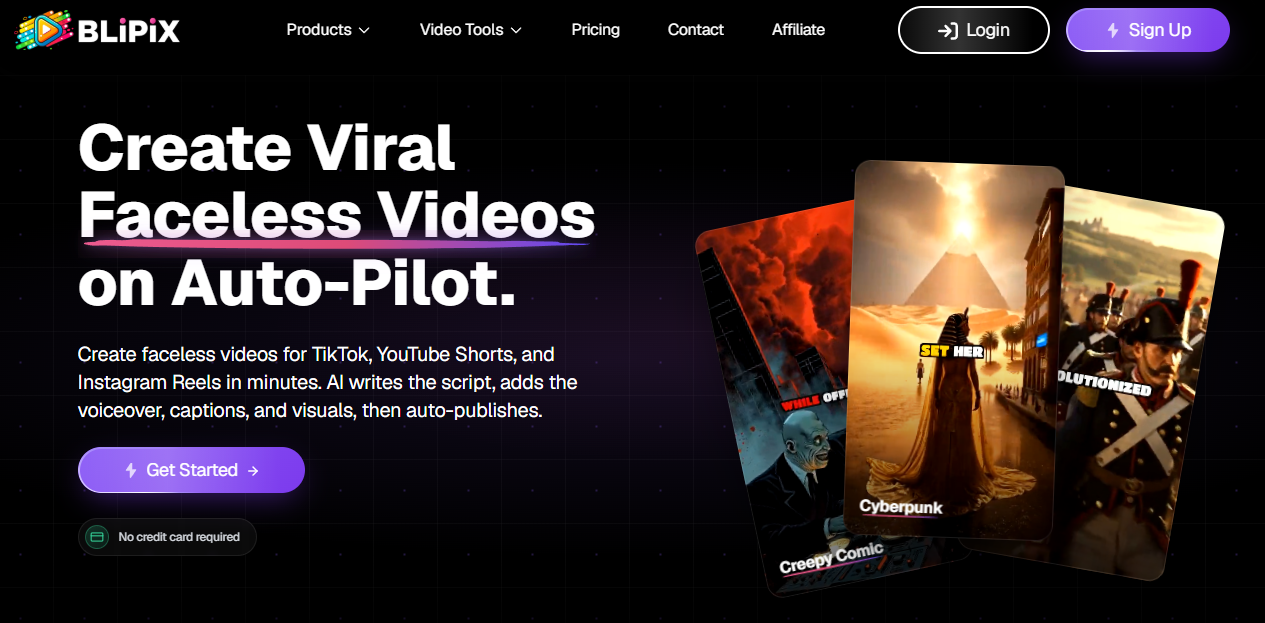
Blipix is built around one idea: the video that never gets posted is worth nothing. So the product does not stop at generation. You set up a channel with a niche, a voice, a visual style, and a posting cadence, and it writes the scripts, generates the video, and publishes to TikTok, YouTube Shorts, and Instagram Reels on the schedule you set.
Two things separate it technically from most of this list. Visuals come from generative video models (Veo 3 and Sora 2) rather than a shared stock library, so two Blipix users in the same niche do not end up publishing the same footage. And voiceover runs on ElevenLabs, which is still the quality ceiling for AI speech in 2026.
Pros
- Genuinely end to end: script, visuals, voice, captions, publish. No download step.
- Generative video rather than recycled stock, so your channel does not look like everyone else's.
- ElevenLabs voices on every plan, not gated behind an upper tier.
- Native auto-posting to TikTok, YouTube Shorts, and Instagram Reels with your own timezone and schedule.
- Simple plan limits instead of a credit pool you have to do arithmetic on.
Cons, honestly
- No free tier. There is a floor of $39/month, which is more than CapCut or Canva will ever cost you.
- If you want to control every cut and transition, you will find it too automated. It is built to take decisions away from you, and some people hate that.
- Generative video is more expensive to run than stock, and that cost is reflected in the price.
Pricing: From $39/month, with a discount on annual billing
Auto-posts to: TikTok, YouTube Shorts, Instagram Reels
Voiceover: ElevenLabs
Visuals: Generative video (Veo 3, Sora 2)
2. faceless.video
Category: Publisher. Best for creators who think in themed series.
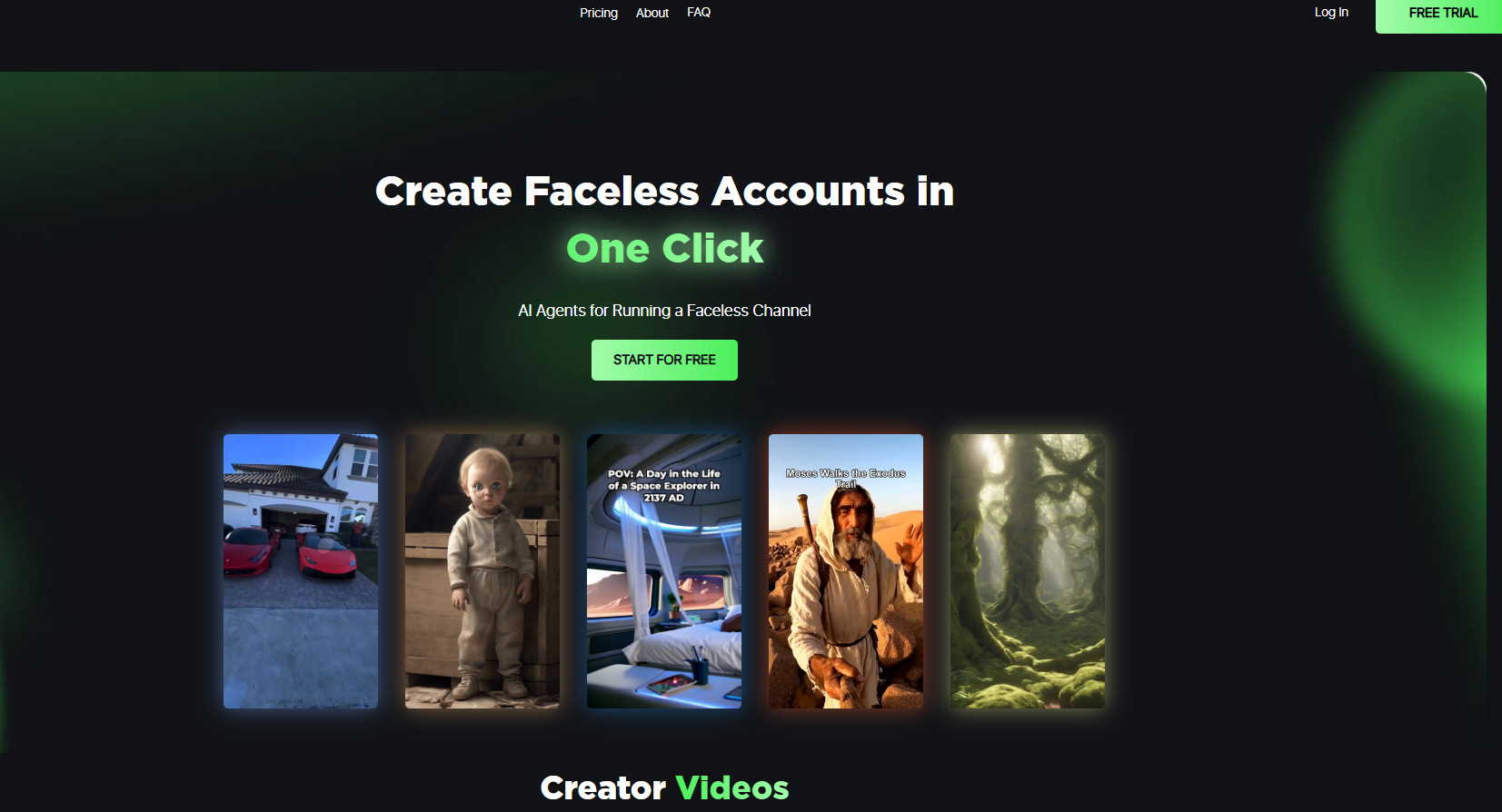
The closest tool to Blipix in philosophy. Its organising concept is the series: you define something like "Ancient Rome facts" or "Daily stoicism" and it produces episodes inside that theme, which keeps a channel coherent over months instead of drifting.
Pros
- Series structure is a genuinely good mental model for channel consistency.
- Auto-posting to the major platforms.
- Purpose-built for faceless content rather than a general editor with features bolted on.
Cons
- Younger product, so fewer community resources when you get stuck.
- Less control over individual video output than the series concept implies.
- Instagram posting has been the most limited of the three platforms.
Pricing: From around $29/month
Auto-posts to: YouTube, TikTok, Instagram (limited)
3. BigMotion AI
Category: Publisher. Best for testing the automation workflow at zero cost.
The one tool here that lets you experience the full automated loop without paying. If you have never had a video post itself while you were asleep and you want to see whether that changes anything for you, this is the cheapest way to find out.
Pros
- Real free tier that includes auto-posting.
- Posts to all three platforms.
- Setup takes minutes.
Cons
- Stock footage based, so visual uniqueness is low.
- Voices are noticeably more synthetic than ElevenLabs-tier output.
- Lower tiers post on fixed UTC windows, which is a problem if your audience is not in that timezone.
Pricing: Free / from around $19/month
Auto-posts to: YouTube, TikTok, Instagram
4. InVideo AI
Category: Generator. Best for prompt-to-video with heavy model choice.
Type a description, get a finished video. InVideo has expanded aggressively into model variety and its agent can produce long-form from a single prompt, which none of the faceless-specific tools attempt. It is a strong product that happens to be aimed at a different job than daily short-form publishing.
Pros
- The prompt-to-video experience is still among the best.
- Very broad model and stock library.
- Multi-language support.
Cons
- No auto-posting. Every video is a manual upload.
- Credit-based pricing across separate pools that do not roll over, so real cost per video is higher than the headline price suggests.
- Heavy reliance on the same iStock library everyone else is pulling from.
Pricing: Free with watermark, paid from roughly $25/month monthly billing (cheaper annually), scaling steeply
Auto-posts to: None
5. Syllaby
Category: Generator plus scheduler. Best for agencies and multi-account operators.
The broadest feature surface here: keyword and trend research, scripts, avatars, voice cloning, a content calendar. That breadth is the whole pitch and also the whole problem. If you want one video posted daily in one niche, you are subscribing to a marketing suite to use 10% of it.
Pros
- Trend and keyword research feeding script generation is genuinely useful strategy input.
- Calendar and multi-account handling suit teams.
- Avatar and voice cloning if you want a consistent on-screen persona.
Cons
- Credit pool is shared across research, scripts, and video, so the strategy features eat your video budget.
- Real learning curve.
- Avatar-first design fits business and coaching content much better than history, science, or nature niches.
Pricing: From around $29/month, credit based
Auto-posts to: Scheduled publishing via calendar
6. CapCut
Category: Editor. Best editing quality, zero automation.
Still the best free short-form editor available. Auto-captions are excellent, the trending audio library is directly plugged into what is working on TikTok, and the mobile workflow is unmatched.
Pros
- The free tier is genuinely powerful.
- Best auto-captions of anything on this list.
- Trending audio synced with TikTok.
Cons
- No script generation, no AI pipeline, no automation of any kind.
- No auto-posting.
- Every single video costs you your own time.
Pricing: Free / around $8 to $10 per month for Pro
Auto-posts to: None
7. Canva
Category: Editor. Best for template-driven creative control.
Not built for this, but the template library and bulk create feature make it a legitimate option for text-overlay style faceless content, especially if you already live in Canva.
Pros
- Strong free tier.
- Enormous template library aimed at Reels and Shorts.
- Bulk create from a spreadsheet works well for high-volume text formats.
Cons
- No script generation, no AI visuals for this use case.
- Built-in voiceover is weak.
- Scheduling only, and manual work on every video.
Pricing: Free / around $13 to $15 per month for Pro
Auto-posts to: Scheduling only
Comparison Table
| Tool | Category | Scripts | Visuals | Voice | Auto-post | From |
|---|---|---|---|---|---|---|
| Blipix | Publisher | Yes | Generative video (Veo 3, Sora 2) | ElevenLabs | TikTok, Shorts, Reels | $39/mo |
| faceless.video | Publisher | Yes | AI images | Good | YT, TT, IG (limited) | ~$29/mo |
| BigMotion AI | Publisher | Yes | Stock | Basic | YT, TT, IG | Free / ~$19/mo |
| InVideo AI | Generator | Yes | Stock + models | Good | No | Free / ~$25/mo |
| Syllaby | Generator | Yes | Avatars, stock | Decent | Schedule only | ~$29/mo |
| CapCut | Editor | No | Your own | Decent | No | Free / ~$8/mo |
| Canva | Editor | No | Templates | Basic | Schedule only | Free / ~$13/mo |
Which One Should You Actually Buy?
You want a channel that publishes without you. Blipix. That is the entire product thesis, and the generative visuals plus ElevenLabs voice are why the output does not look like the rest of the automated crowd. If you want to test automation for free first, BigMotion, then come back when you want the quality up.
You want automation but you think in themes and series. faceless.video.
You have zero budget right now. CapCut, plus free stock from Pexels, plus a free ElevenLabs allowance. It costs you hours instead of dollars. Many strong faceless channels started exactly here.
You want one great video from one great prompt, not a daily channel. InVideo AI.
You are running content for clients across accounts. Syllaby.
You enjoy editing. Nothing on this list will make you happier than CapCut. Do not buy automation to solve a problem you do not have.
FAQ
What is the best free tool for faceless reels? CapCut for editing quality, BigMotion if you specifically want to test automated posting on a free plan, Canva for template-based text videos. Every free tier here trades something away: watermarks, export limits, or output quality.
Which tool has the best voiceover? ElevenLabs is still the quality ceiling, and Blipix runs on it across all plans. If you are using a tool with weaker voices, you can generate audio in ElevenLabs separately and import it, at the cost of adding a manual step back into your workflow.
Do I need AI tools at all? No. Script it yourself, record on your phone, pull free footage from Pexels, edit in CapCut. Plenty of large faceless channels were built exactly that way. AI buys you time and consistency, not quality you could not otherwise reach.
What is the real cost per video? Take the monthly price, divide by videos you can actually publish after credit consumption and re-generations. A $39 plan producing 30 published videos is $1.30 each. A $25 plan producing 8 after credit overhead is $3.13 each, plus your upload time.
Does auto-posting risk my account? Not when it uses the official platform APIs. Tools that automate through unofficial methods are a different story. Ask any vendor directly how they publish before connecting your accounts.
The Part That Matters More Than the Tool
Every creator who has made faceless content work will tell you the same thing, and it is not about software. It is that they published consistently for long enough to find out what their audience wanted.
Tools help with that in exactly one way: by lowering the number of decisions between an idea and a published post. That is the reason full automation beats a better editor for most people. Not because the output is superior, but because it removes the day where you are tired and skip posting, and then skip the next one.
Pick the category that matches how you actually behave, not how you wish you behaved. Commit for 30 days. Then judge.
How to compare faceless reels tool pricing
Monthly prices are the wrong number to compare. Every tool caps something, usually videos per month, minutes of voiceover, or exports in a given resolution, and two plans at the same price can differ several times over in what they let you publish. The number that matters is cost per finished video you can actually post. Divide the monthly price by the videos the plan realistically allows, then add the time you spend fixing captions and re-rolling bad voice takes, because a cheap tool that needs twenty minutes of cleanup per video is not cheap.
Two more checks before you pay: whether the plan includes commercial rights for the stock footage and voices (some do not on the entry tier), and whether the watermark comes off at the tier you are looking at. The comparison table above uses cost per video for exactly this reason. Prices move often, so re-check each tool's pricing page before deciding; ours were current at the last update.
Several of the tools tested here have listings on LaunchIt with community votes and reviews, including Blipix. Browse the photo and video tools category for newer entrants, and pair your reels with our free TikTok hashtag generator for the caption.
Free tools mentioned in this article
No account, no credit card. Built for founders doing their own SEO.
Done for you
Skip the forms. We list your product for you.
Your product, submitted to the directories that matter for it.
216
directories ranked by DR
105
of them at DR 50 or higher
- Submitted by hand, one by one
- A live report with every listing link
- One payment, no subscription
Ask AI about this article
Open your assistant with the article preloaded: key takeaways and next steps.