

DataTray
A free Windows utility for opening, converting, deduping, cleaning and comparing data files
567
Views
0
Comments
0
Saves
10/100
DRDomain rating
Domain Rating 10/100 · AhrefsHow strong this site's backlink profile is. Higher means more authority in search. Click to check any domain free. Andreas ChristodoulouView profile
About
Overview
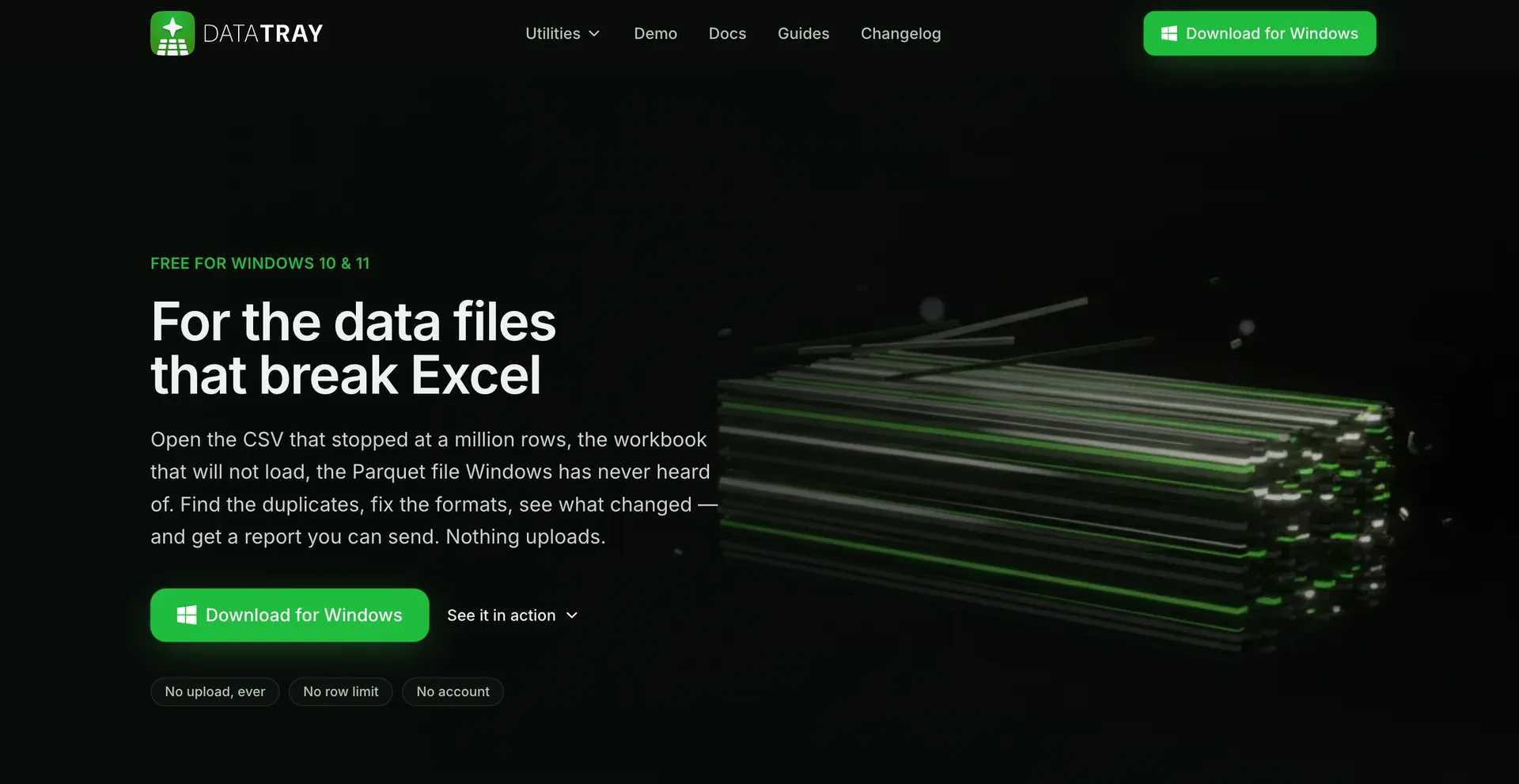
DataTray is a free Windows app for the data files Excel can't handle. It lives in your system tray and bundles five utilities: Data Explorer, Data Converter, Dedupe & Merge, Clean & Anonymize and Compare Files into one central location. No account needed, subscription or ads and it stays free
LaunchIt data
DataTray on LaunchIt
DataTray launched on LaunchIt on September 9, 2026, in Productivity. It ranks #6 of the 13 products launched that day. Since launch it has collected 1 upvote and 567 page views.
- Launched
- Sep 9, 2026
- Rank that day
- #6of 13 launches
- In category
- #25of 72 in Productivity
- Upvotes
- 1
- Page views
- 567
- Rating
- None yetBe the first
Live numbers from LaunchIt. Ranks count upvotes, then page views.
LaunchIt data
DataTray's launch week
34 products launched on LaunchIt between September 7 and September 13, 2026. The top 12 are shown.
Ranked by
Page views since launch











 DataTray
DataTray launched on LaunchIt on September 9, 2026, one of 34 products launched that week. With 567 page views since launch, it has the 19th most of its launch week.
Page views recorded by LaunchIt.
At a glance
DataTray in a Nutshell
Who is it for?
Windows users who work with data files that Excel struggles to handle
Problem
Many data tasks require opening, converting, deduplicating, cleaning, anonymizing, or comparing large or nonstandard files, and Excel can’t handle them effectively. Users often juggle multiple tools, accounts, or paid software to perform these steps, slowing down the workflow.
Solution
DataTray bundles five data utilities into one free Windows app that sits in the system tray, enabling seamless data exploration, conversion, deduping/merging, cleaning/anonymizing, and file comparison without needing accounts, subscriptions, or ads.
What makes it unique
It combines five essential data utilities in a single, no-cost Windows app that stays offline and free of accounts and ads. The centralized approach reduces tool-switching and simplifies managing diverse data formats directly from the system tray.
In practice
Use Cases
Open complex data files
Convert between formats
Deduplicate data records
Merge multiple datasets
Clean sensitive fields
Compare file versions
Compare
DataTray vs similar tools
How DataTray compares with Brainbaby AI, End of Life Planner and Window Sticker Lookup By VIN, other Productivity products on LaunchIt.
| Product | Pricing | Rating | Upvotes | Launched | |
|---|---|---|---|---|---|
 DataTrayThis product DataTrayThis product | Not listed | No reviews | 1 | Sep 9, 2026 | |
 Brainbaby AI Brainbaby AI | Freemium · From $4/mo | No reviews | 3 | Jul 15, 2026 | |
 End of Life Planner End of Life Planner | Not listed | No reviews | 2 | Sep 28, 2026 | |
 Window Sticker Lookup By VIN Window Sticker Lookup By VIN | Free | No reviews | 2 | Feb 22, 2026 |
Good to know
Frequently Asked Questions
Behind the product
Meet the Maker
Instant answers
Ask AI about DataTray
Get an instant rundown of what DataTray does, who it is for, and how it compares to alternatives.
Community
Discussion
0Ctrl + Enter to post · 0/2000
No comments yet. Be the first to start the discussion.
Reviews
Community Ratings
0Write a Review
Tried DataTray? Tell other founders what worked and what did not.
More in Productivity




